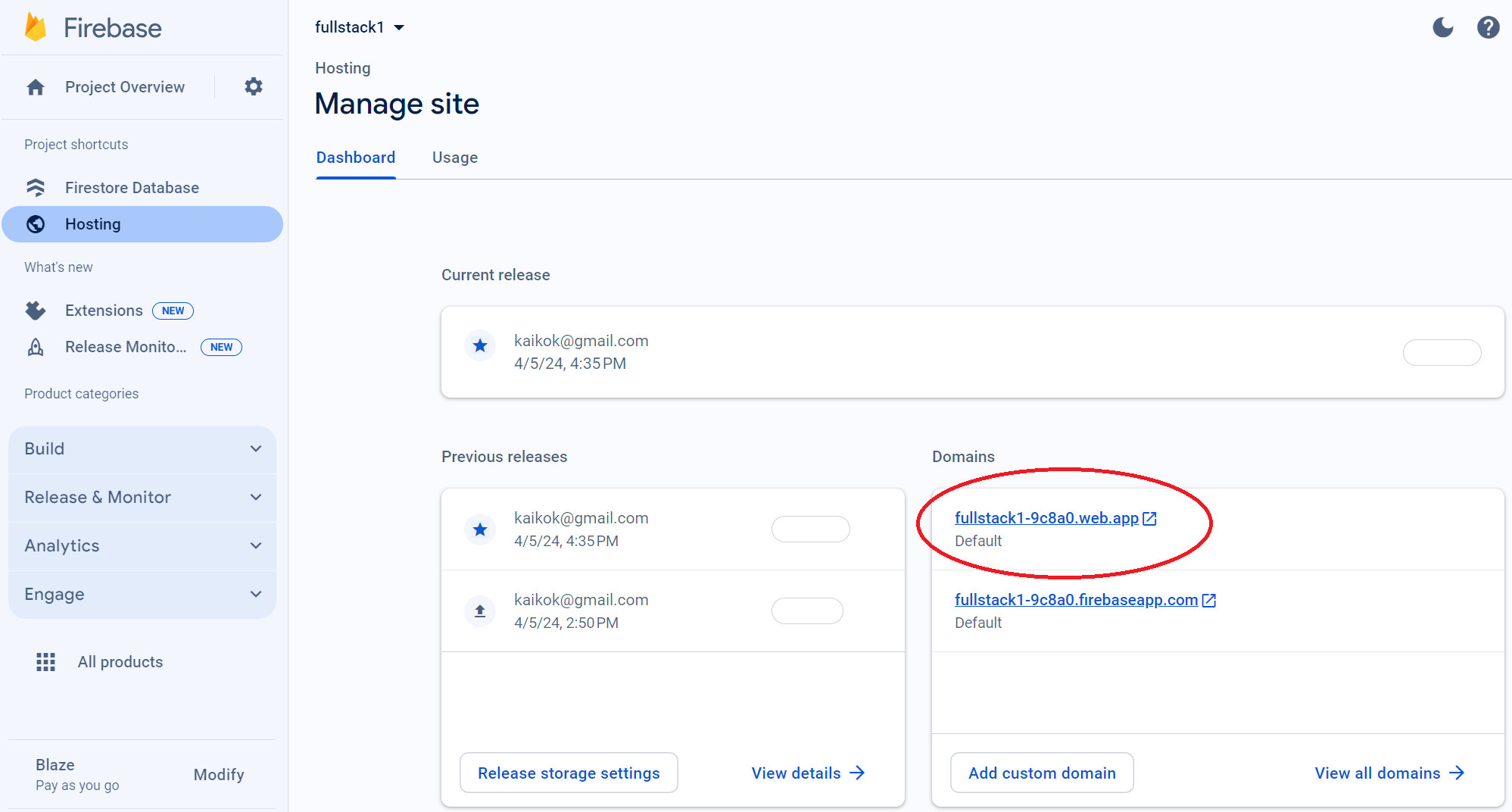
Creating the Firebase Project
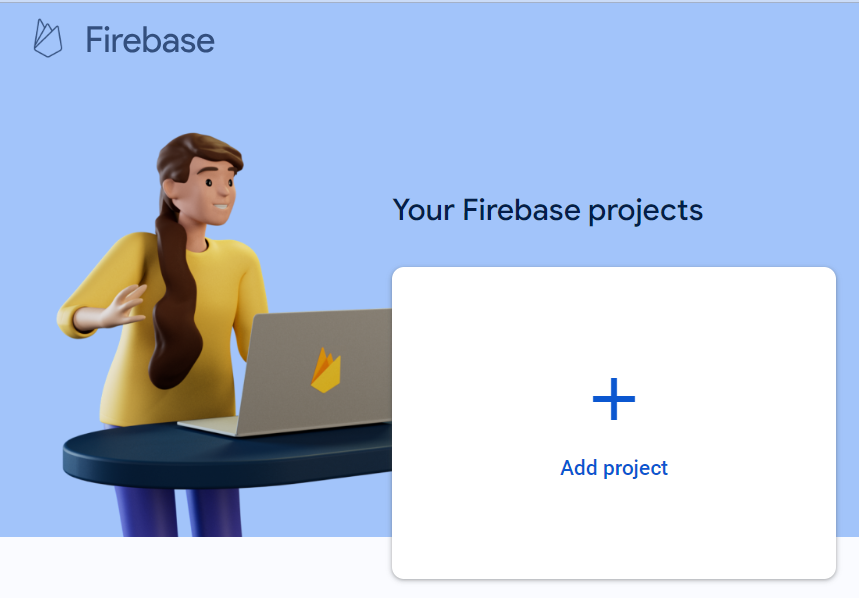
Create an empty Firebase project after we are logged in with Google at here, https://console.firebase.google.com/.
Take note of our YOUR PROJECT UNIQUE ID and YOUR PROJECT ID
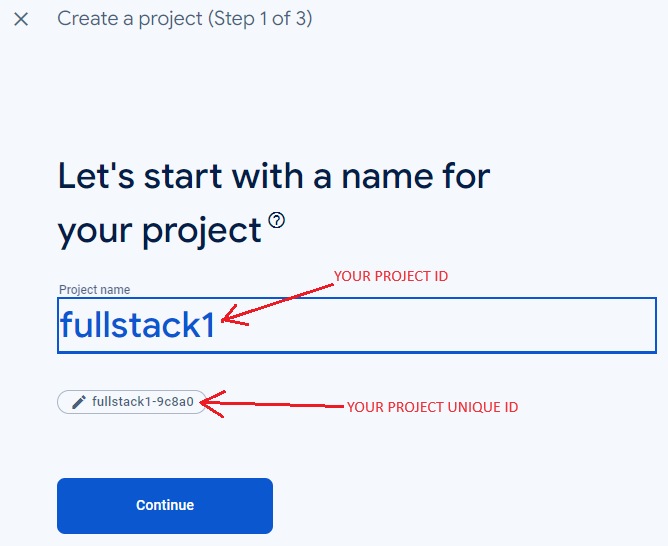
We will need them later when configuring our environment files.
The reason is that they are different is because it allows us to keep the project name as given so that it is relevant to us while the actual hosting ID is unique.
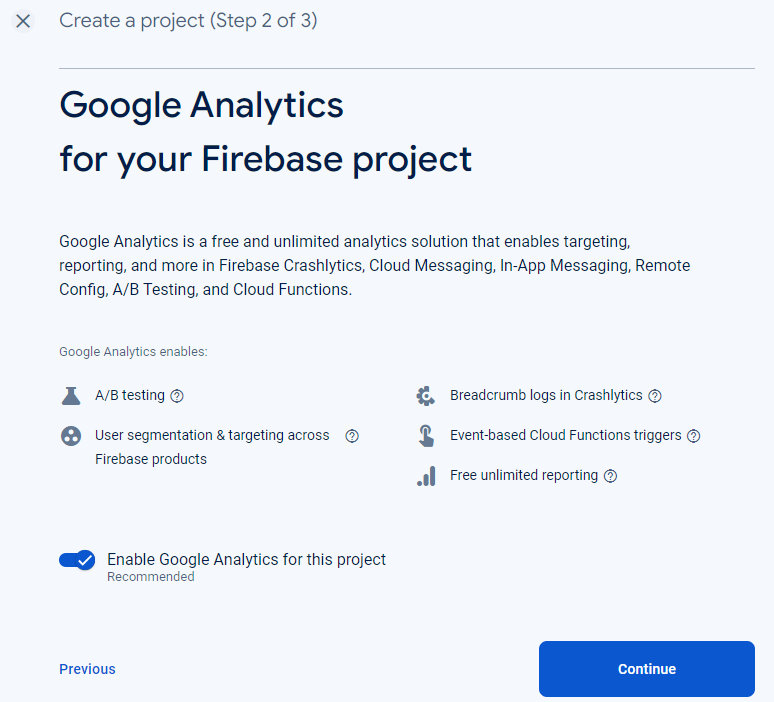
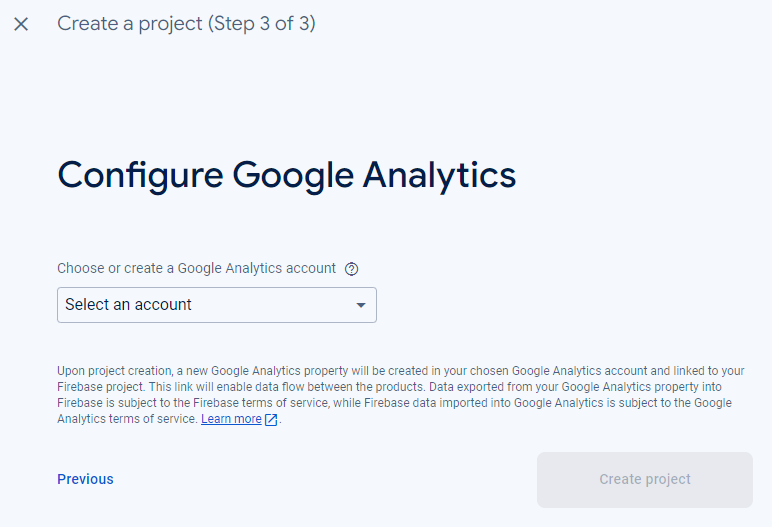
Configure up Google Analytics as we will use it eventually.
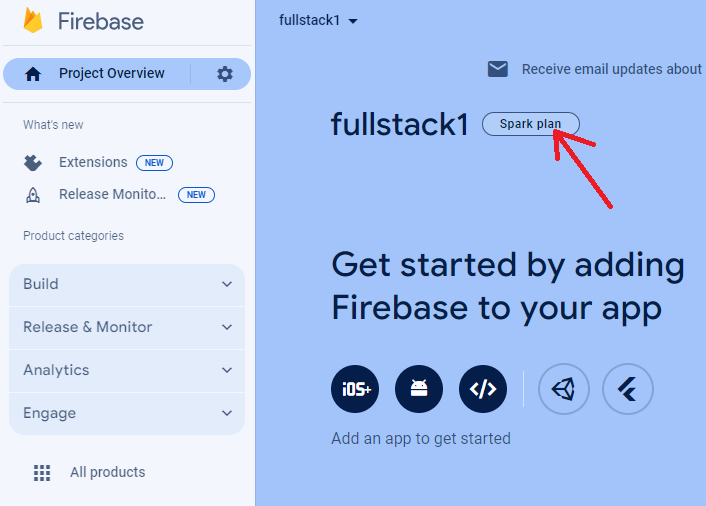
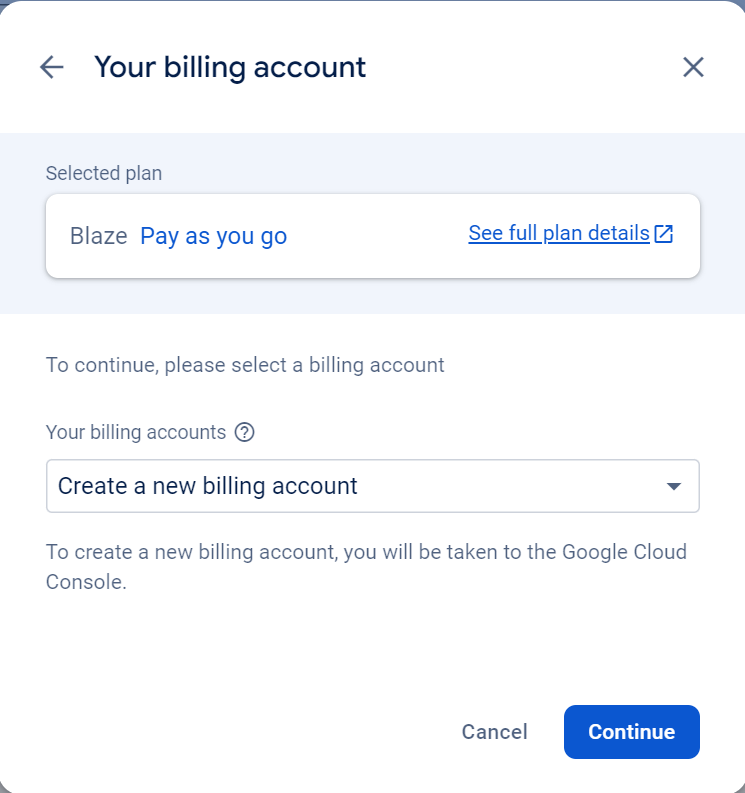
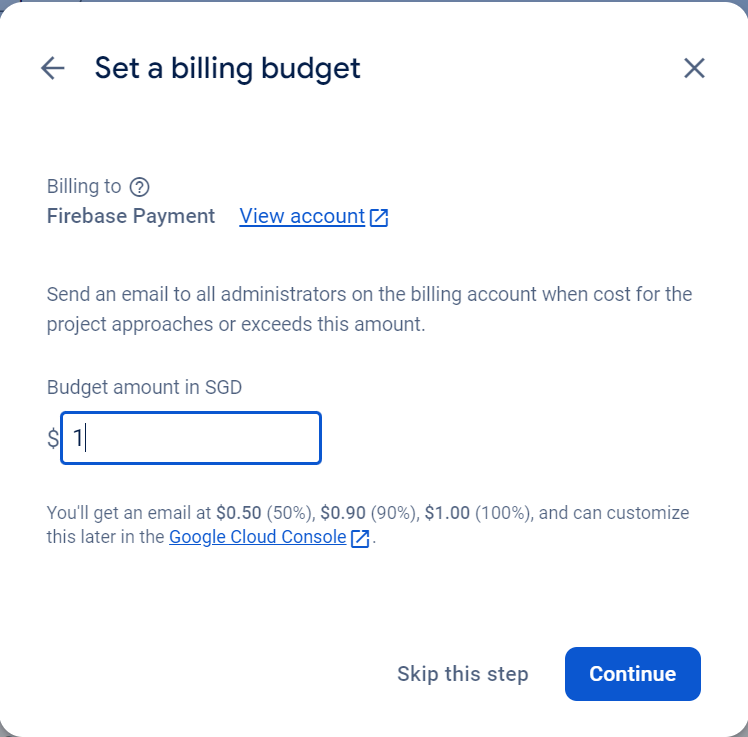
Upgrade to Blaze plan so that we can access wider range of APIs and features. We would not be billed if no premium features are used or quotas exceeded.
Creating an empty Firestore
We will need a Firestore database to store data at our backend server.
Step 1
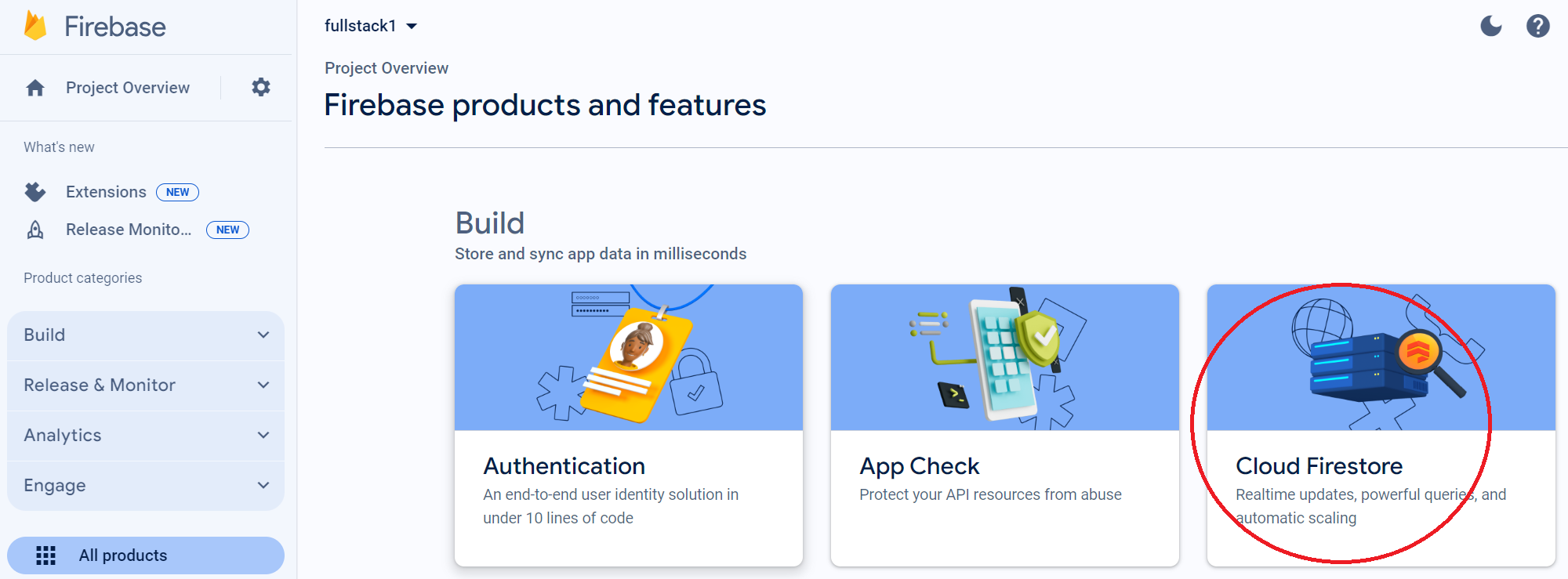
Step 2
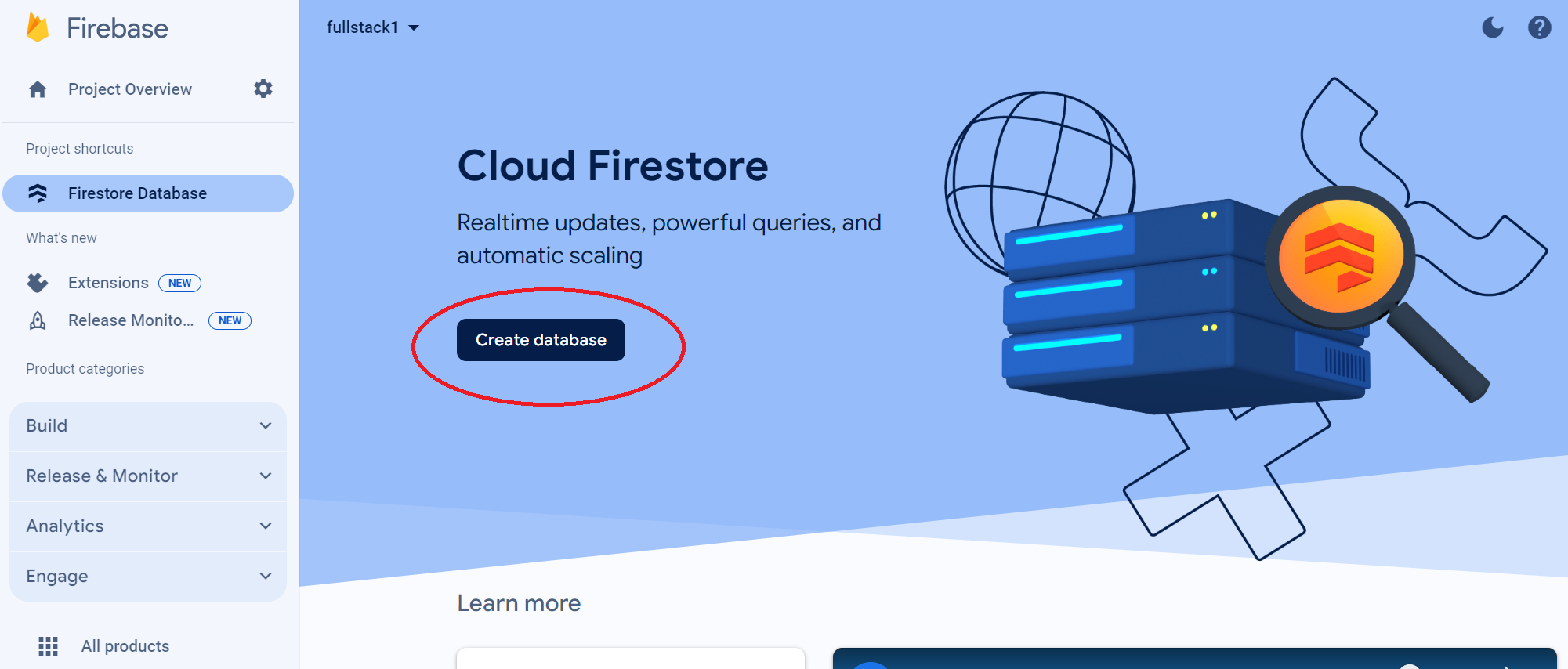
Step 3
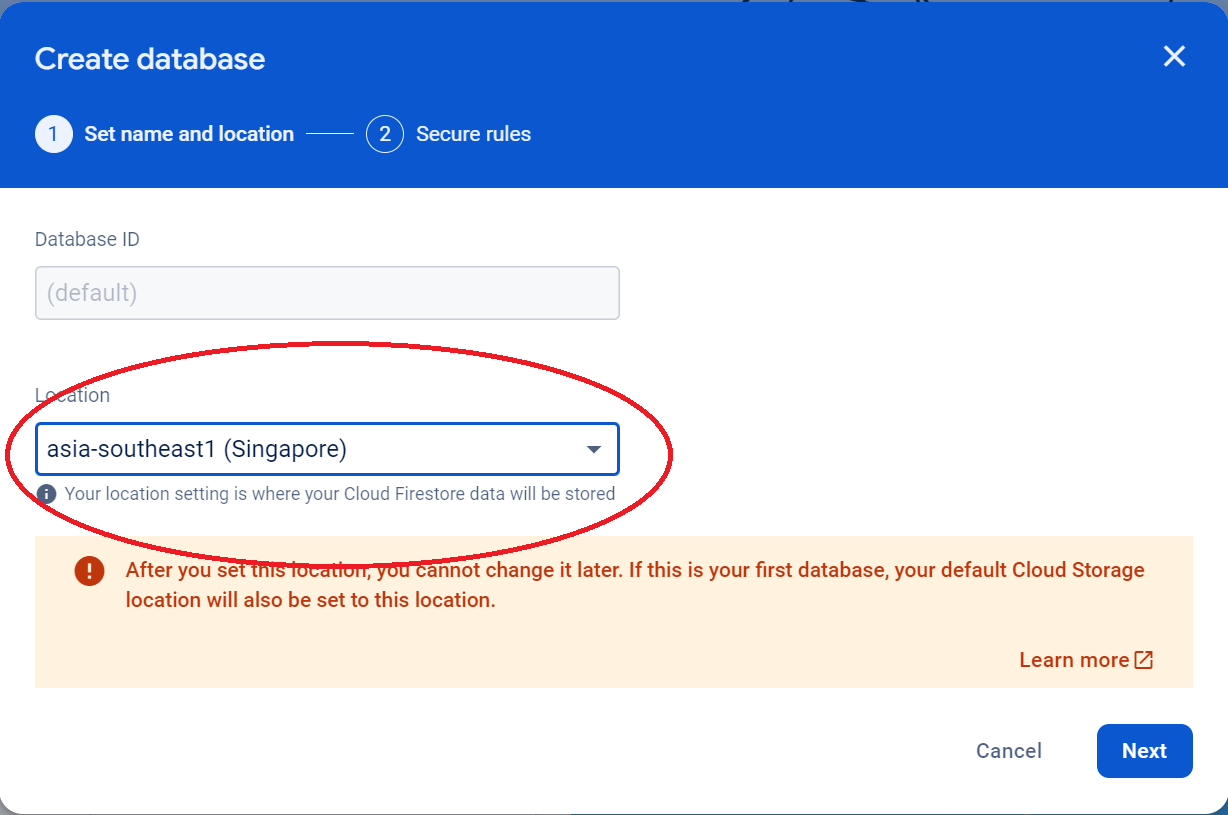
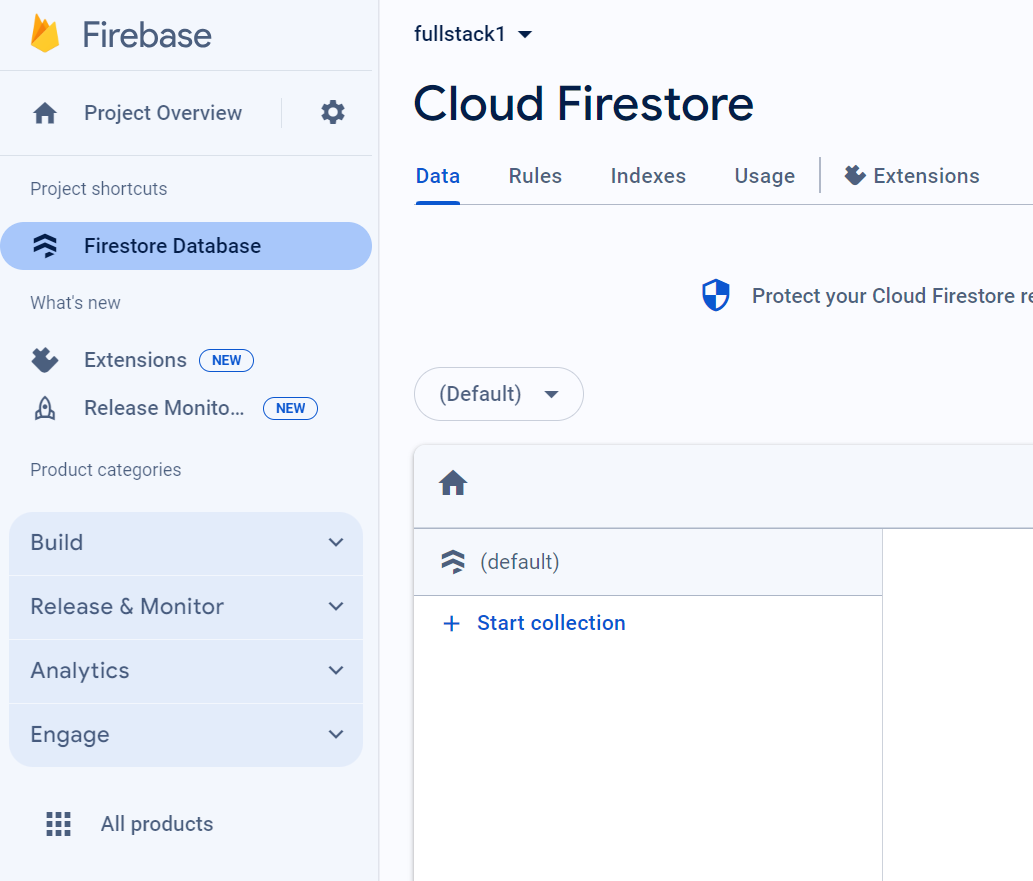
Final State
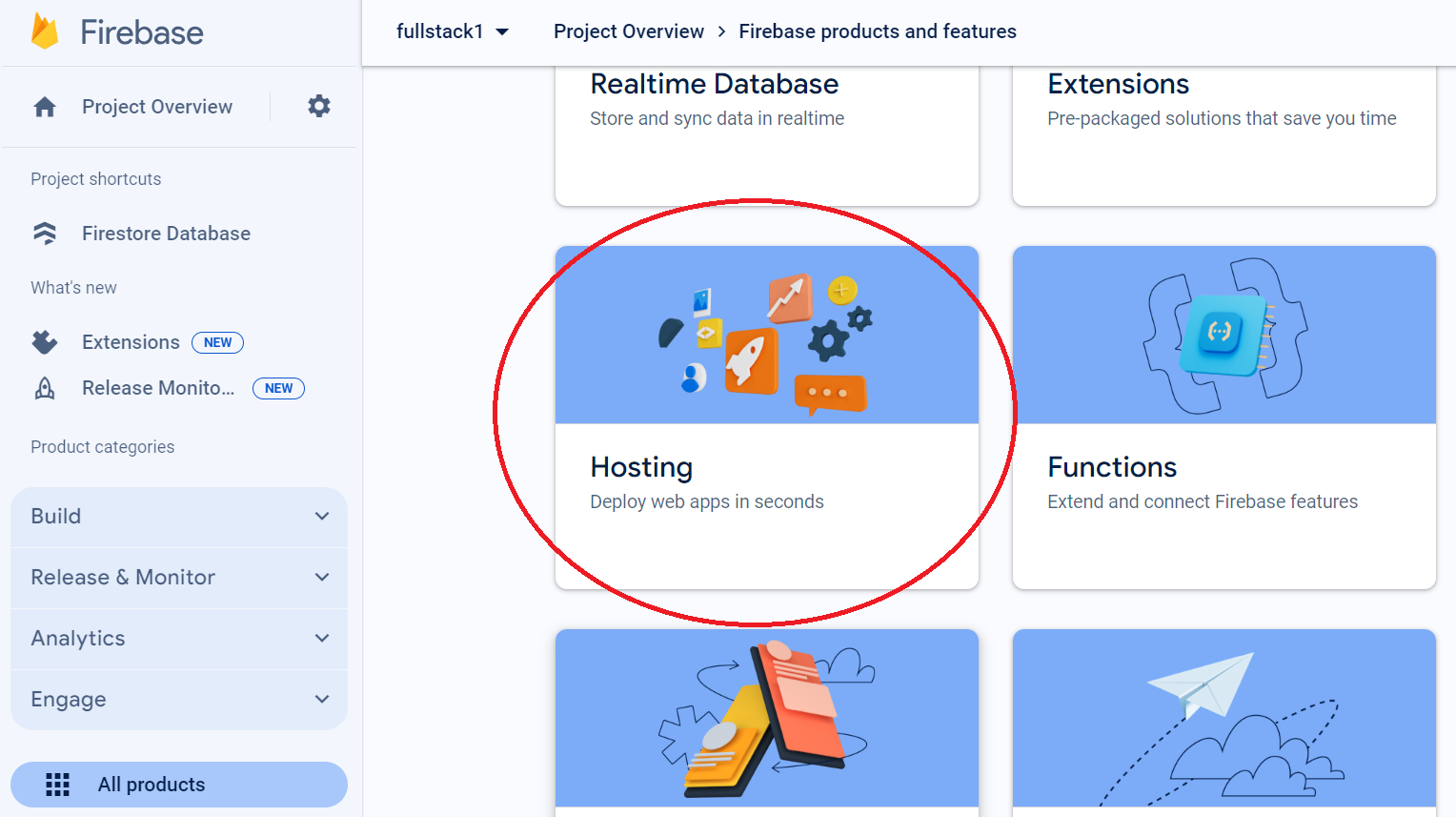
Creating Hosting
And a hosting environment for our frontend client.
Final state