Installing Firebase CLI Tool
Assuming NVM, Node, NPM have been installed. We will install Firebase Command LIne (CLI) tools globally.
~/fullstack$ npm install -g firebase-tools
Check if Firebase CLI tool has been installed properly.
~/fullstack$ firebase --version
13.7.1
~/fullstack$
Login to Firebase with Localhost.
Run the following command from the root of your project folder to login to Firebase.
~/fullstack$ firebase login
We will be provided with a link to login from your browser in the output.
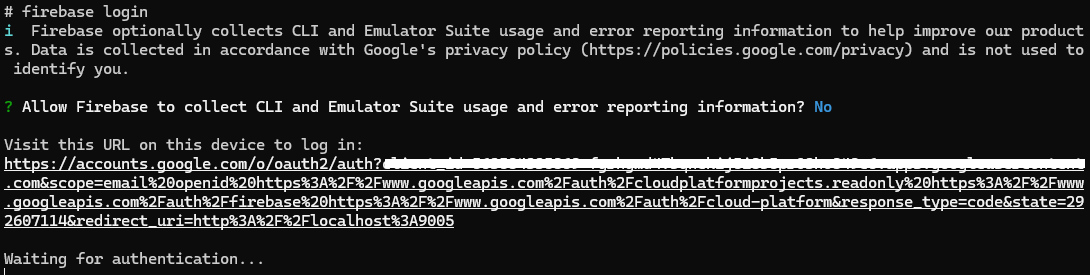
Entering the link will bring us to the screen below. Choose your Google account.
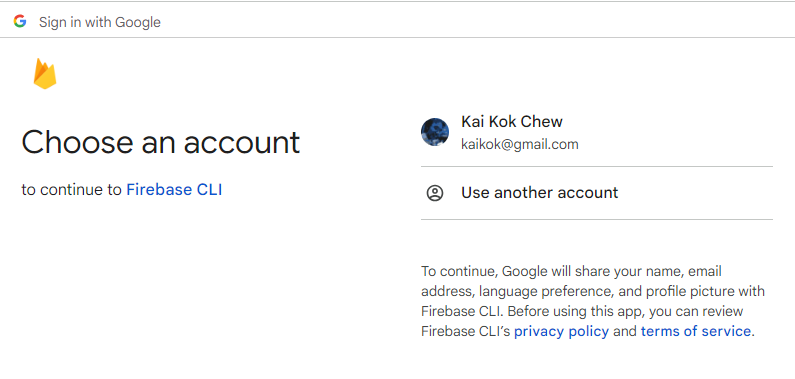
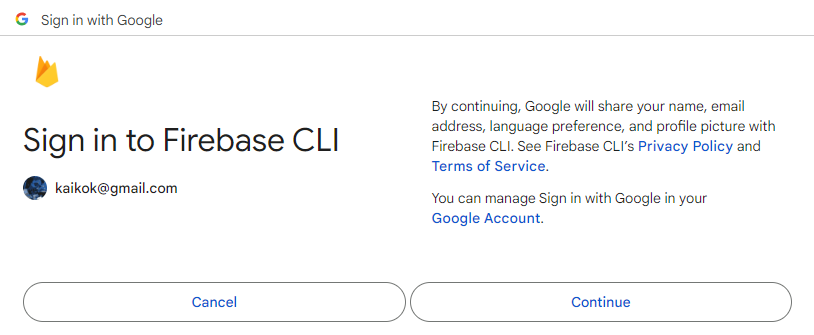
We will be prompted to accept Terms of Service.
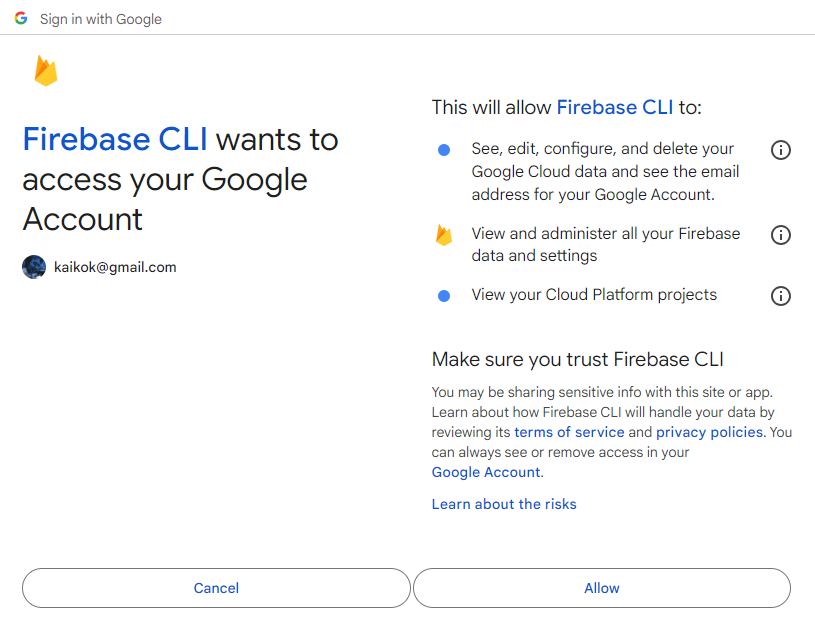
We will need to grant the permissions to authorise the tool to operate on resources in our Firebase account.
Once granted, we will be shown a success prompt.
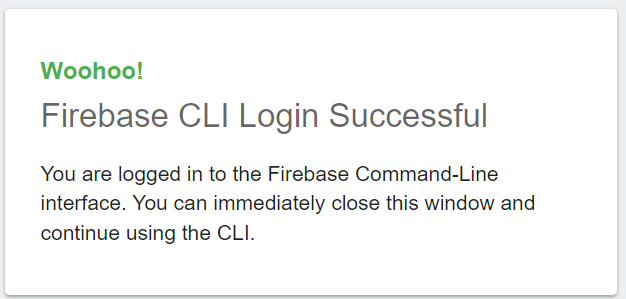
The terminal will reflect the similar success message.

Login to Firebase without Localhost.
This happens when we are using a remote server or a container where it's localhost is not exposed on our development machine. After authentication and authorisation with Google OAuth server, we cannot redirect back to the tool with the token.
Use the following command instead.
firebase login --no-localhost
root@25550116b3bb:/home/fullstack# firebase login --no-localhost
i  Firebase optionally collects CLI and Emulator Suite usage and error reporting information to help improve our products. Data is collected in accordance with Google's privacy policy (https://policies.google.com/privacy) and is not used to identify you.

? Allow Firebase to collect CLI and Emulator Suite usage and error reporting information? No

To sign in to the Firebase CLI:

1. Take note of your session ID:

   36194

2. Visit the URL below on any device and follow the instructions to get your code:

   https://auth.firebase.tools/login?code_challenge=yRpzKiJqepZkUy3Jgq3oLwes-hrDsLVHGd5eeuQw3mw&session=361948e7-6914-4c9d-a6e3-96fcb5580b1a&attest=zbiGrYiZYoGlWq4VC4bmDt3AOUEUsftYz5LANyouVes

3. Paste or enter the authorization code below once we have it:

? Enter authorization code: